October 28, 2026 · 5 minutes · Rafael Caldeira
Illustrated Children's Ebooks for Color Kindles: EbookGPT Guide
Color screens reached the whole Kindle line and reopened the illustrated children's ebook. Here is how to build one with art that stays consistent in EbookGPT.

Amazon's new Kindle family now shows color edge to edge on every model, and that reopens a format many authors had set aside: the illustrated children's ebook.
Color on the screen is only half of the story. What makes an illustrated book work is art that stays consistent page after page, with a character a child recognises at first glance.
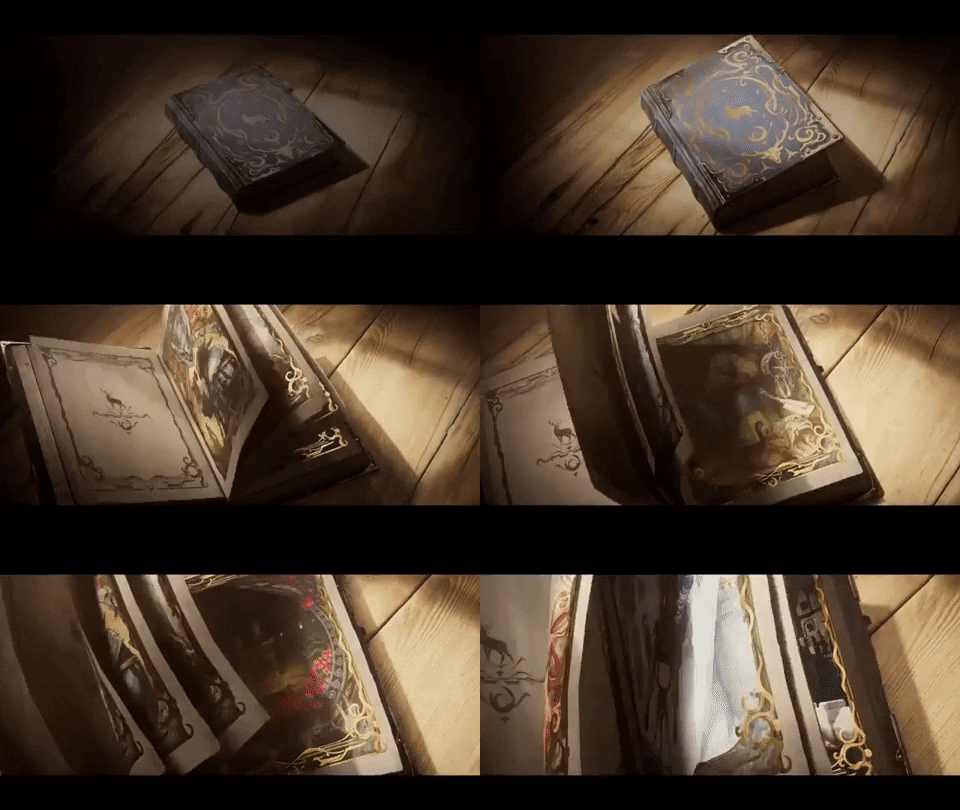
A book that opens onto pictures instead of letters is exactly what a young reader notices first.
The color reached the whole line
In late September 2026 Amazon introduced a redesigned Kindle family in which every model added edge-to-edge color, including the entry model. The Kindle Colorsoft uses paper-like color built for colorful covers, travel guides, comics and graphic novels, without the harsh glare of a tablet.
The company also brought a Colorsoft to its kids line, the Amazon Kids Kindle Colorsoft, on preorder in selected countries. And it reports that Kindle grew double digits worldwide for three consecutive years, with more than 720 billion pages read in 2025 alone.
That matters to publishers for one practical reason: reading time exists, and part of it now happens on a color screen. An illustrated children's book stops being a file that loses its meaning in grey tones. On the same shelf sit comics, illustrated guides and activity books, all competing for a child's attention and for the adult who buys for them.
An illustrated book is not text with pictures beside it: the image carries the reading, and color sets the pace of every page turn.
What the brief has to decide
| Item | Value |
|---|---|
| Main character | Same shapes and same palette in every scene |
| Scene per spread | One clear action, with no loose elements |
| Text per page | Between one and three short sentences |
| Pace | One new idea at every page turn |
| Page format | Landscape, with art running to the edge |
| Book palette | Between three and five fixed colors |
Note: the table is an illustrative production outline, written to guide the brief inside EbookGPT; it is not an official Amazon standard.
Turning the idea into a brief
EbookGPT organises the idea into a brief: age range, promise of the book, scene list in reading order and quality criteria. From there the project gains chapters, cover and description in the same voice.
With children's books the real gain is continuity. Describing the character with the same words in every image keeps face, clothing and colors stable, and avoids the effect of each page looking like it belongs to a different book. The cover comes last, once you know which scene presents the story best in thumbnail.
Worth remembering: color does not fix a loose script. If a scene has no action, a colorful page still sits still.
Actions for this week
- Pick the age range and write the promise of the book in one sentence before generating any page.
- Build a brief in EbookGPT with character, palette, setting and the scene list in reading order.
- Describe the same character with the same words in every image to keep the face and colors stable.
- Write at most three sentences per page and read it aloud to feel the pace.
- Review everything in thumbnail: if the cover and the scene do not read from a distance, the artwork needs fewer elements.
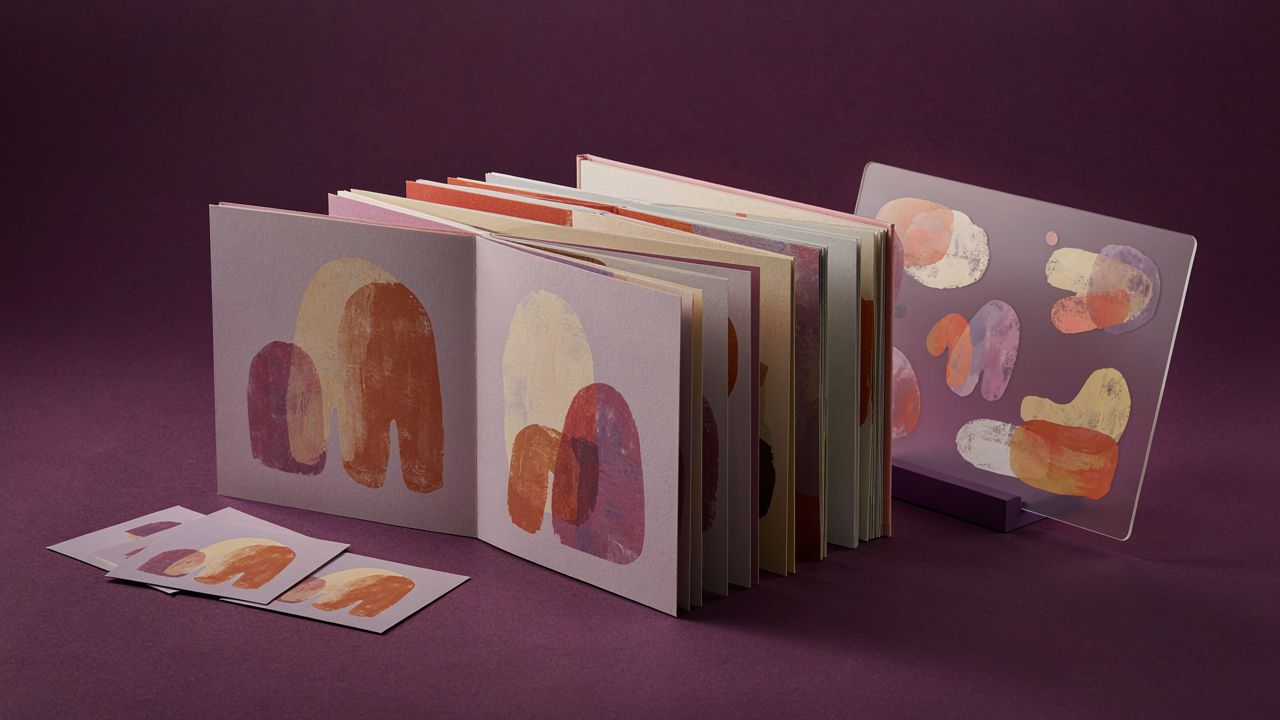
A sequence of scenes sharing one visual language carries the reading from start to finish.
A young reader does not compare your book with other ebooks: they compare it with the cartoon they already watched. Color attracts, and visual continuity is what makes them turn the page.
Key point
Color on the screen widens the reach of the illustrated book, but the selling decision stays the same: stable character, clear scene and short pace.
Start with the first scene
Define the character and the palette of your children's book today.
Describe the scenes in order and generate the pages in EbookGPT.
Read it aloud, adjust the pace and publish.
After publishing
- Use a title that joins illustrated children's ebook, color Kindle and the EbookGPT brand.
- Review the 150 to 160 character description, the categories and the keywords before you publish.
- Test the cover in thumbnail to confirm the artwork reads from a distance.
- Link this article to other posts on the blog and cite Amazon's official sources.
Continue on the blog
- How to Keep Characters Consistent in an Illustrated Book
- Manga and Webtoon Style Ebooks: How to Make and Sell One