October 19, 2026 · 5 minutes · Rafael Caldeira
Manga and Webtoon Style Ebooks: How to Make and Sell One | EbookGPT
A manga or webtoon style ebook tells its story in illustrated panels and is read on a phone. Here is how to produce one, brief every panel and sell it.
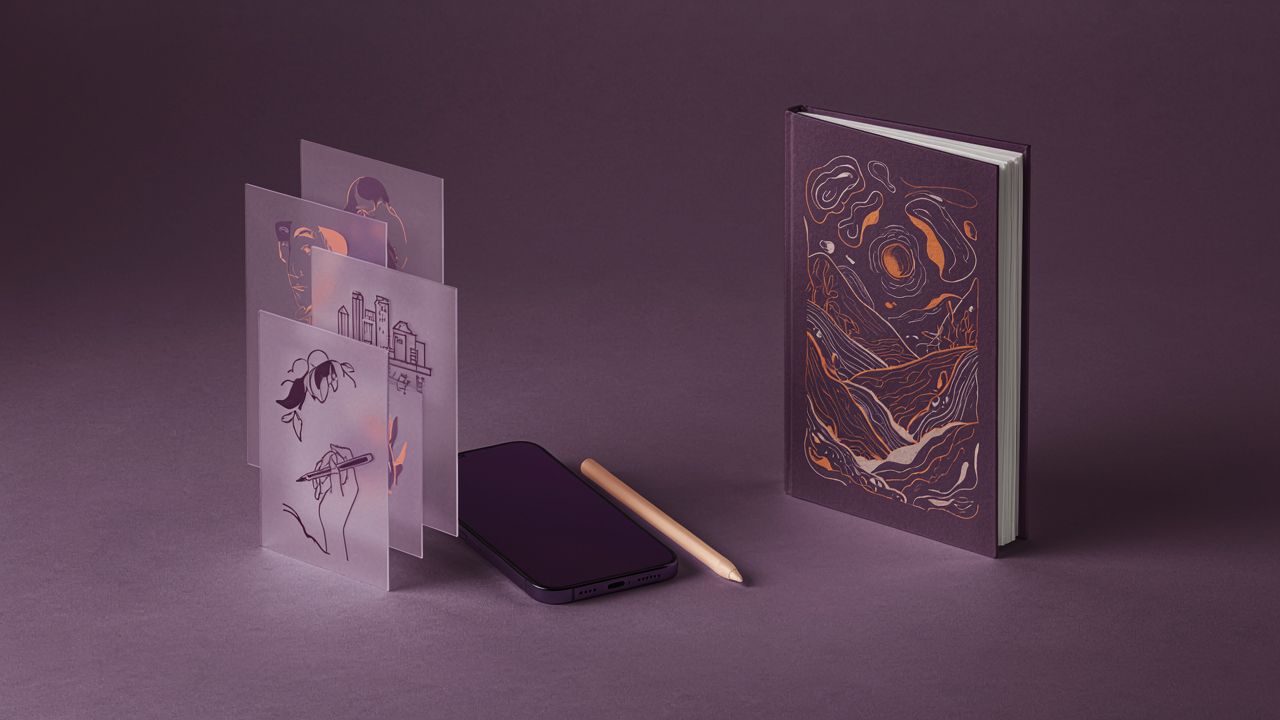
A manga or webtoon style ebook tells its story in illustrated panels, ships as a digital book and is read on a phone, usually by scrolling vertically. You can produce one with generative AI today: write the script, describe each panel, and the tool draws the pages in a steady style.
What separates an amateur digital comic from one that sells is not the line work inside a single panel, it is the rhythm that pushes the reader into the next one.
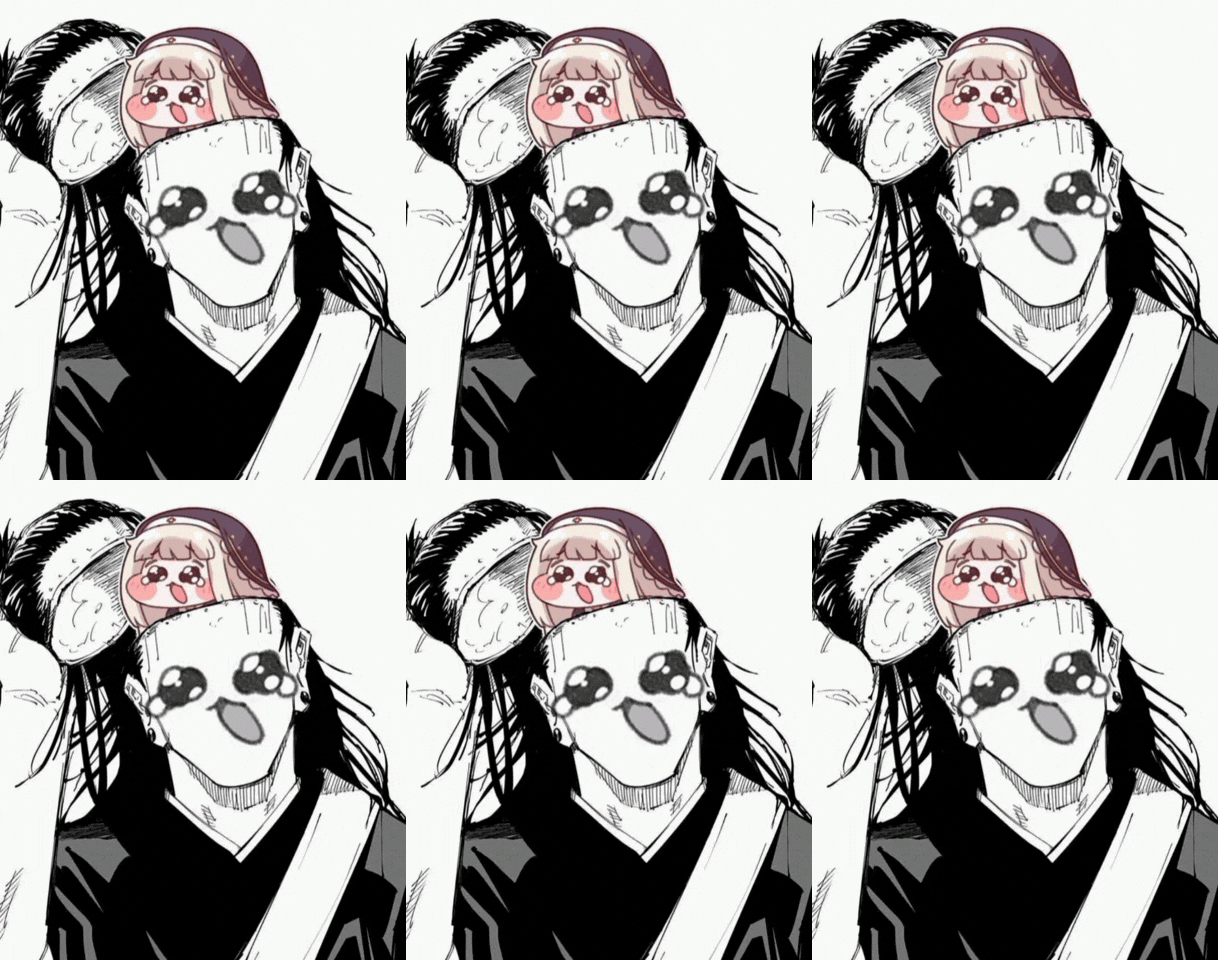
The GIF shows a black and white manga character with a small animated creature on its head. That exaggerated expression is exactly what vertical scrolling rewards.
Why the phone became the comic page
Small screen reading changed page design. Platforms like WEBTOON popularised the single column: every panel takes the full width and the reader moves down with a thumb, with no double page spread. Framing gets simpler and pacing gets stricter, because there is no neighbouring page holding attention for you.
On the other side sits the store. Amazon KDP publishes comics, manga and graphic novels and offers Kindle Comic Creator, a free tool that builds double page spreads and Kindle Panel View, the panel by panel navigation inside the ebook. In practice, one manuscript can live both as a vertical webtoon and as a fixed layout ebook.
On paper the reader decides when to turn the page. On a phone, the panel that comes next decides.
The production map of a digital comic
| Item | Valor |
|---|---|
| Script split into scenes | 100% ready before art |
| Panels per scene | 4 to 6 |
| Character sheet for the lead | 1 per story |
| Export formats | 2 (vertical and fixed layout) |
| Pages per chapter | 8 to 12 |
Note: the figures above are an illustrative production reference, not market data.
From script to a briefing for every panel
A generative AI draws what you describe, not what you pictured. So each panel has to become one briefing line with four facts: who appears, what that person does, where they are and how the camera sees the scene. A line like "Clara, from behind, opening the door, medium shot, dim hallway" returns a coherent panel. The vague line "Clara walks into the house" returns a random drawing.
Character consistency is the second thing to watch. If the sheet changes between panels, the reader feels the story changed. Age, hair, clothing and palette must sit in one fixed block and be repeated in every request. That is the same problem we covered in the article about keeping characters consistent in an illustrated book, and the logic applies here too.
- Write the scene in one sentence before asking for any drawing.
- Keep the lead character sheet in one text block and paste it into every panel.
- State the camera in each line: close up, medium or wide.
- Read the sequence by actually scrolling on a phone before exporting.
- Start with a short chapter and test the pacing with real readers.
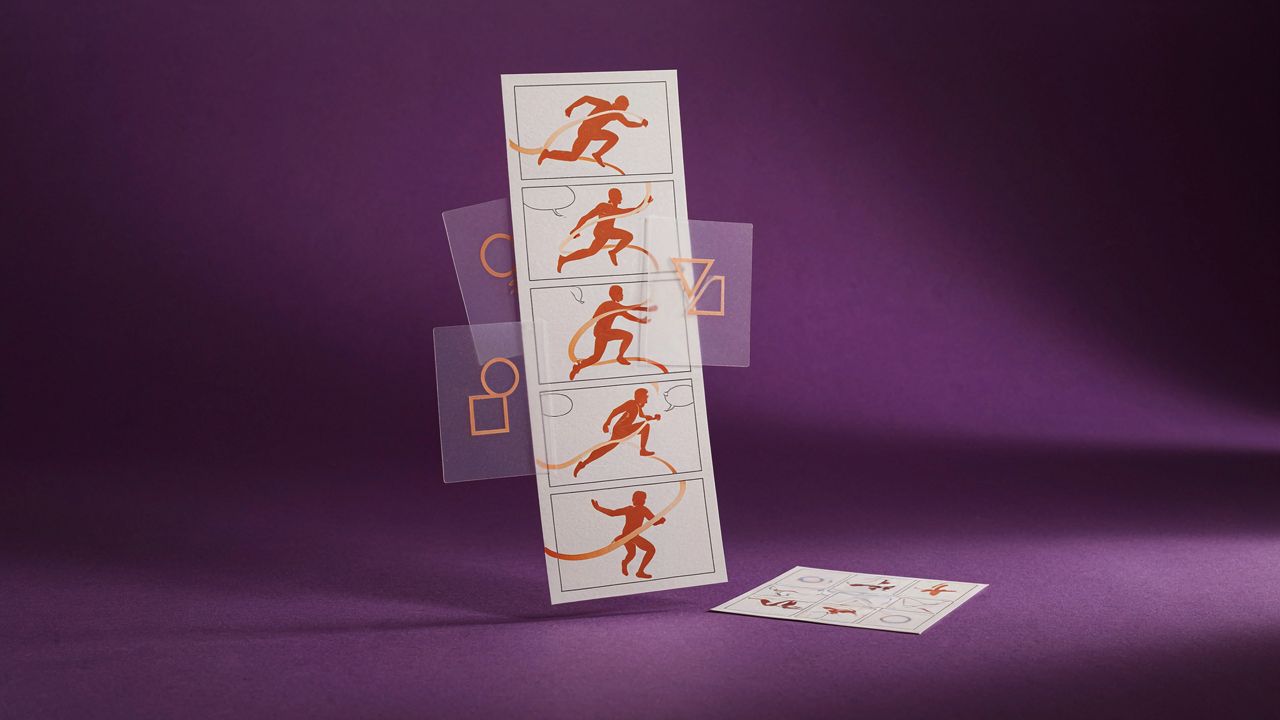
Five panels, one single action. When a reader follows the movement with no explanation, the pacing is ready.
The hard part of an AI made comic is not generating the image, it is deciding what each panel must show so the next one makes sense.
Start with one scene, not a book
Pick the most visual scene in your story, build four panels and read it on a phone. If it works, you already have a method.
The next panel is yours
Pick the most visual scene in your story and write the script in a single line.
Describe four panels with the same character sheet and generate the images.
Read it by scrolling on a phone. If the pacing works, the next panel asks to be born.
After you publish
- A direct title, with the main search term and the EbookGPT brand.
- A 150 to 160 character description that answers the reader question.
- Internal links to other posts on the blog.
- External links to official sources.
- An image with ebookgpt in the file name.
Keep reading
- How to keep characters consistent in an illustrated book
- How to create an ebook collection on one theme