September 30, 2026 · 5 minutes · Rafael Caldeira
How to Keep Characters Consistent in an Illustrated Book | EbookGPT
Learn to keep characters consistent in an illustrated book with a visual bible, world rules, reference poses, and page-by-page review with confidence.
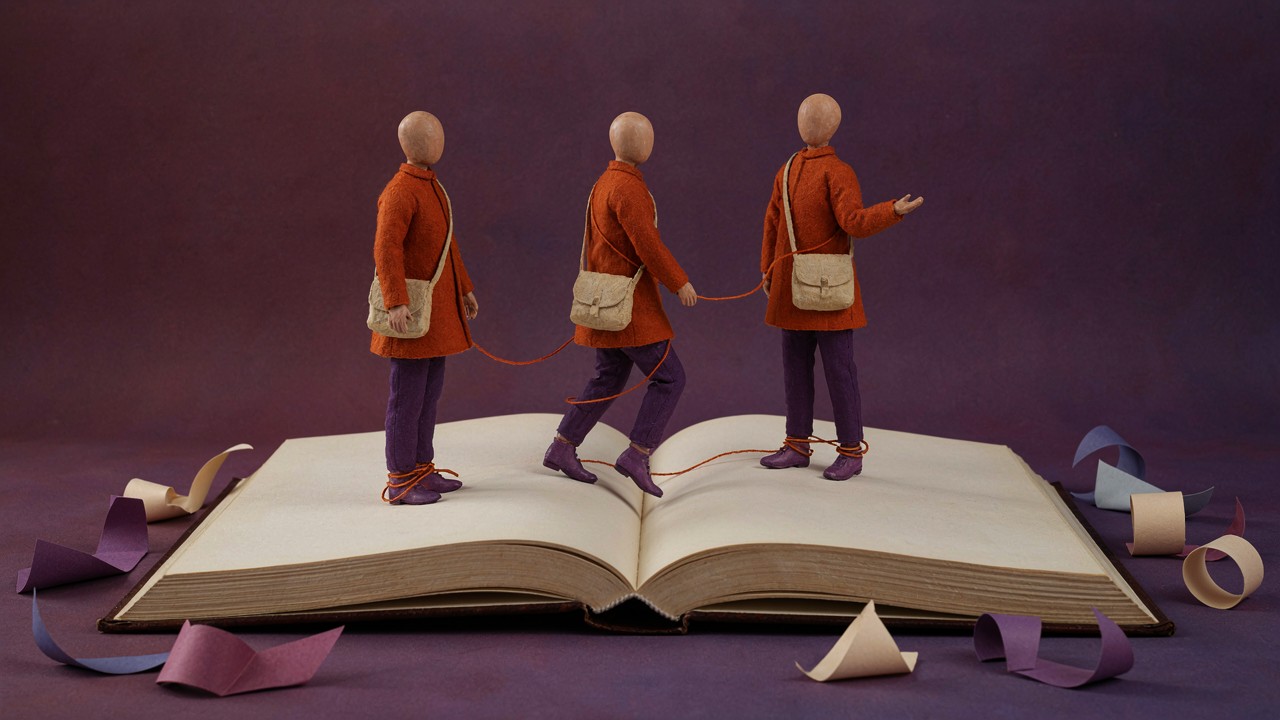
An illustrated book keeps its characters consistent when every image follows a simple visual bible, a clear world logic, and defined limits for variation. AI can speed up drafts, but it does not replace art direction, review, or the author’s decisions.
The goal is not to repeat one identical image: it is to preserve the traits that let readers recognize the character when pose, expression, setting, and action change.

A clear visual reference helps the author check whether the character and book remain recognizable in every scene.
Consistency starts with a character bible
Before requesting illustrations, write a short character sheet. Record the silhouette, head shape, hair or headwear, main colors, clothing, accessories, proportions, and three personality traits. Separate what is fixed from what can change. The coat color may remain permanent, while the expression, pose, and held object can vary with the scene.
The sheet should not describe everything with equal importance. Too many unranked details confuse the process. Choose five to eight visual signals that work at thumbnail size. If readers see only the silhouette, they should still distinguish the protagonist from supporting characters.
A consistent character is not a repeated statue. It is the same identity moving through different situations.
What should stay fixed
| Item | Value |
|---|---|
| Silhouette | A recognizable overall shape at small size |
| Palette | Two or three stable main colors |
| Base outfit | A garment or combination that identifies the character |
| Face and hair | Shape, proportion, and one distinctive feature |
| Accessory | A recurring object when it serves the story |
| Personality | Reactions consistent with the narrative arc |
Note: this table is a qualitative and illustrative guide. It is not a universal formula and does not guarantee automatic consistency.
How to generate scenes without losing identity
Use a fixed description block and add only the scene that changes. A working prompt can follow this order:
- Fixed character: copy the approved traits without swapping synonyms in every image.
- Reference: attach a reference image or model sheet allowed by the tool and explain what must be preserved.
- Action: state what the character does without rewriting the whole sheet.
- Setting: specify place, time, lighting, and objects needed for that page.
- Style: repeat the project’s technique, finish, framing, and palette.
- Constraints: prohibit changes to fixed face, clothing, colors, proportions, and accessories.
- Output: request one scene at a time with defined aspect ratio and orientation.
Generate a reference sheet first with front, profile, back, basic expressions, and two poses. Then test a simple scene. Move forward only when identity is stable. Changing the character, style, lighting, and composition at once makes the cause of a drift difficult to diagnose.
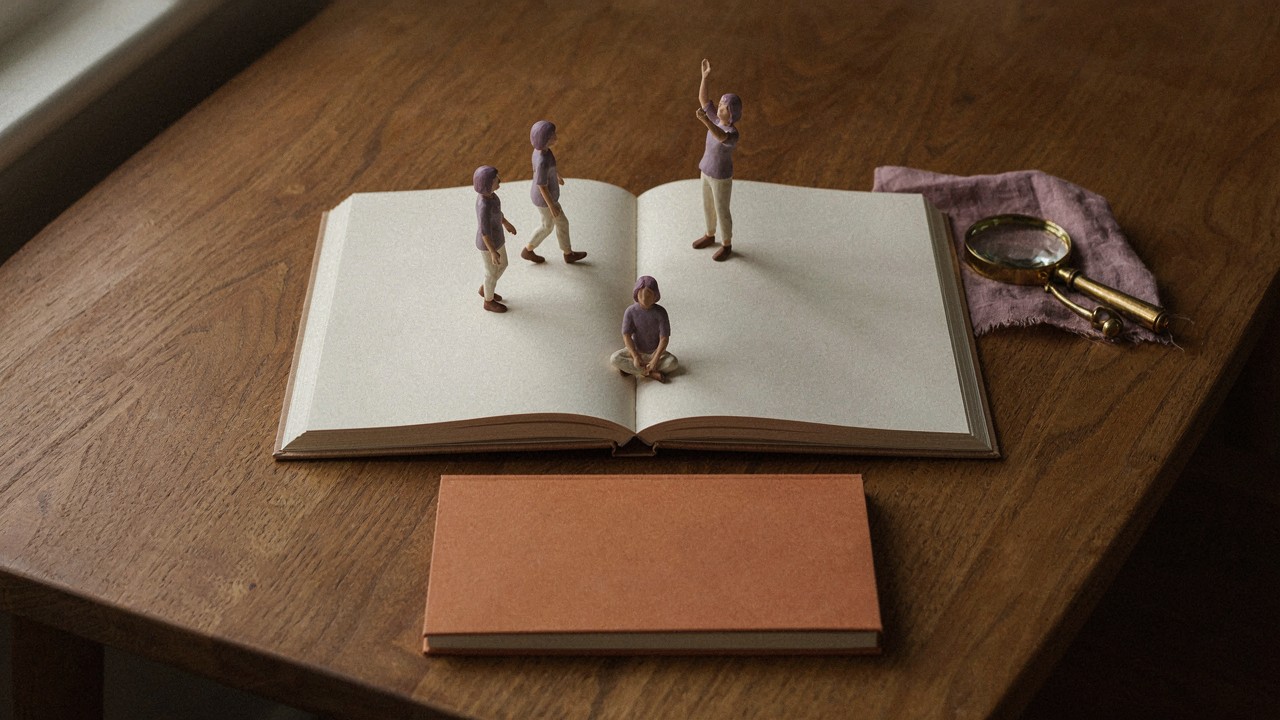
A reference sheet turns vague preferences into decisions you can compare during review.
The safest test is to compare every new page with the sheet, not to trust only the feeling that the image looks attractive.
Review like a continuity director
Compare face, silhouette, colors, clothing, proportions, and accessories before approving a scene. Fix identity first, then refine light, background, and decorative detail.
Consistency also involves rights and editorial quality. Use only references, fonts, and images you are allowed to use. If AI created the artwork, confirm the rules of the platform where you will publish. KDP, for example, requires disclosure of AI-generated images and makes the author responsible for following its guidelines and respecting third-party rights.
Review one page at a time
Build a continuity log with page number, action, setting, clothing, object, and emotion. During review, look for small changes that break the reading experience: a missing button, a shifted color, an unexplained change in height, or an accessory that appears in only one scene.
When something is wrong, do not request a completely different illustration. Keep the base prompt and change one variable. When available, use localized editing or inpainting to fix hands, objects, and details without reinventing the entire character.
After publishing
- Review cover, interiors, thumbnail, and samples at the size readers will see.
- Confirm that alt text, title, and description represent the actual content.
- Save the visual sheet, approved prompts, and final files for future editions.
- Update the book only after comparing the new version with the previous one.
- Use samples from the book in articles and social posts without changing the character’s essential traits.
Continue on the blog
References
- Hotmart: how to create an ebook with AI
- Amazon KDP: artificial intelligence content guidelines
- Amazon KDP: Kindle content quality guide
Ready to write your E-book?
Open EbookGPT and turn your next brief into a complete ebook.